Business Outcomes Powered by IT
Fort Worth Outsourced IT Support & IT Services
Let our team at Inman Technologies provide you with the best IT support and solutions to increase your profitability and allow you to focus on growing your business.
Schedule an Appointment
It’s our job to help your business save money, work faster, and
focus on what's most important: driving growth. Schedule a 15-minute call to see if we are a good fit.
Business Outcomes Powered by IT
Outsourced IT Support & IT Services
Let our team at Inman Technologies provide you with the best IT support and solutions to increase your profitability and allow you to focus on growing your business.


How Can We Help?
Schedule a 15-minute call to figure out if we're a good fit for your business.

Your Neighborhood IT Department

“Inman Technologies is always available for our fast paced environment. It is so important today to have a knowledgeable IT team at our finger tips. Give them a call today!”

“Inman Technologies is outstanding for all of our IT needs. Sean is quick to respond to any issue and easy to work with. Would highly recommend.”

Courtney Odom
Owner of Patten-Odom CPA
“Inman Technologies is always available for our fast paced environment. It is so important today to have a knowledgeable IT team at our finger tips. Give them a call today!”

Dawn Knox
Business Manager at Legacy Electric
“This company is great! Our rep Sean is always a call away when we need him to fix our issues. Definitely a great company to work with and Sean especially is the best!!”

Samantha Gutierrez
Office Manager at Turf and Soil Management
I have had the good fortune to work with Inman Technologies for the past two years where they have managed and supported a full range of IT services from basic computer setup and software management to a complete overhaul or our servers and security protocols. Above all, we have developed a relationship with Sean and his team due to their thoroughness and quick response to all our needs.

Bobby Snyder
President of Construction at Ashton Gray
Inman Technologies not only understands tech services, they understand hospitality. They understand their clients and that's why I will forever use Inman Tech. Response times are fast and they always have a solution!

Cole Smith
Director of Leasing at Ashton Gray
“Inman Technologies is the best. Not only from the outstanding work but the relational investment they make in their clients!”

Landon Pickering
Lead Pastor at Trademark Church
Inman technologies has done such a great job securing our company technologies. Being a small company that grew quickly we needed a professional company that didn't cost us a fortune to take over our IT infrastructure. Sean was it!

Amanda Taylor
Vice President at Legacy Electric
Why Choose Us
We Listen
We take a genuine approach to best understand your business by listening to your needs and simplifying the entire experience.
We Discover
We do a deeper dive into your current processes, network, and infrastructure to identify strengths, weaknesses, and overall IT needs.
We Recommend
We take our findings from the assessments and recommend an IT approach that will best support your business needs and goals.
We Improve
We keep your technology environment constantly improving as needed to help you maintain a competitive edge in your industry.
Client Success Stories

"I have had the good fortune to work with Inman Technologies for the past two years where they have managed and supported a full range of IT services from basic computer setup and software management to a complete overhaul or our servers and security protocols.
Above all, we have developed a relationship with Sean and his team due to their thoroughness and quick response to all our needs."
Bobby Snyder, President of Construction
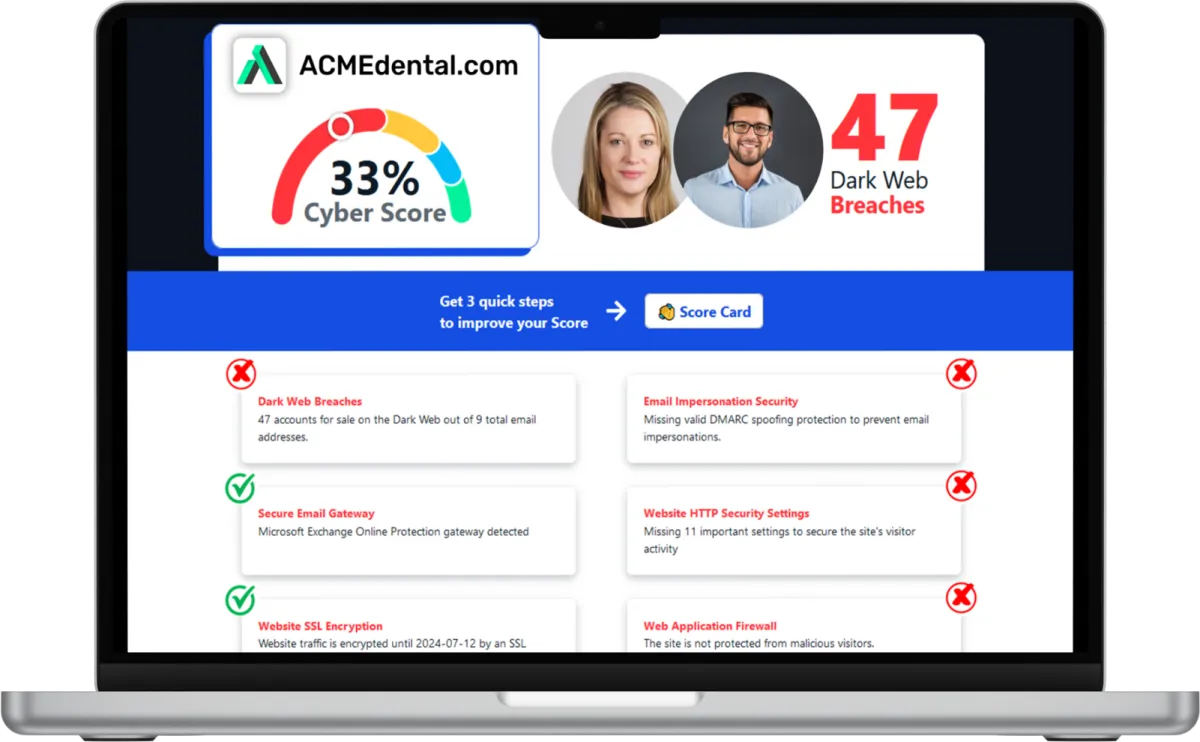
Want to see your Score? Get it in 30 seconds!
If You’ve Been Dealing with IT Challenges,
You’re Not Alone

Sean Inman
Founder & CEO
Inman Technologies is Here to Help.
Inman Technologies is a leading managed IT service provider in Fort Worth, TX, offering a comprehensive selection of outsourced IT support to businesses in Fort Worth, TX, and the surrounding areas, including Aledo, Willow Park, Hudson Oaks, Weatherford, TX, Oklahoma City and Edmond, OK, and Houston, TX. We specialize in providing IT support and Cybersecurity services to meet the unique needs of businesses.
Call 682-882-9344 today for IT support tailored to your needs.
Schedule an Appointment Today
Our Services
We monitor, maintain and manage your IT systems around-the-clock so you can focus on growing your business.
We provide robust protection against cyber threats, ensuring the confidentiality, integrity and availability of your data.
We offer assistance with any sort of IT project - ensuring it's completed on time and on budget.
Harness the Power of AI for Your Business
At Inman Technologies, we bring cutting-edge AI solutions to businesses of all sizes. Our AI as a Service offerings are designed to simplify your operations, enhance customer experiences, and drive measurable growth. From automating customer interactions to optimizing your marketing strategies, we deliver secure, tailored AI tools that make your business smarter and more efficient.
What Clients Say About Us
Your Complete IT Solution Partner
I have had the good fortune to work with Inman Technologies for the past two years where they have managed and supported a full range of IT services from basic computer setup and software management to a complete overhaul or our servers and security protocols. Above all, we have developed a relationship with Sean and his team due to their thoroughness and quick response to all our needs.
President of Construction at Ashton Gray
Bobby Snyder
Trustworthy Partner, a Good Company with Integrity, that Cares
Inman Technologies has been the welcome answer for everything IT. Sean and his teams experience, knowledge, and guidance has been second to none. Some firms that we have worked with in the past specialize in one arena or another and have extraordinary fees associated with their services. Not Inman Technologies. iCloud Storage, Proprietary Servers & Software, Firewalls, and Security etc. You name it they can take care of all your needs and then some. Finally a firm that can take care of all our needs and source all the electronics necessary to make our IT needs run safely and more efficiently. We look forward to a successful relationship with one another for many years to come.

David Terres
Vice President at Ramon Franklin
Response times are fast and they always have a solution!
Inman Technologies not only understands tech services, they understand hospitality. They understand their clients and that's why I will forever use Inman Tech. Response times are fast and they always have a solution!
Cole Smith
Director of Leasing at Ashton Gray
Inman Technologies Delivers Affordable Excellence
Inman technologies has done such a great job securing our company technologies. Being a small company that grew quickly we needed a professional company that didn't cost us a fortune to take over our IT infrastructure. Sean was it!
Amanda Taylor
Vice President at Legacy Electric
Partners and products we support to deliver unparalleled productivity:




Business Technology Insights
Explore expert insights, trends, and expert advice on the ever-evolving landscape of information technology. Dive in to discover how we leverage cutting-edge solutions to empower businesses and drive innovation.

9 Signs That Your Smart Home Device Has Been Hacked
Smart home devices are becoming more popular and convenient. But they also pose some serious security risks.

5 Cybersecurity Predictions for 2024 You Should Plan For
Cybersecurity is a constantly evolving field. There are new threats, technologies, and opportunities emerging every year.

Workspaces, a VPN & More – Learn the Newest Microsoft ...
Microsoft Edge continues to redefine user experiences. This is due to Microsoft’s commitment to innovation.
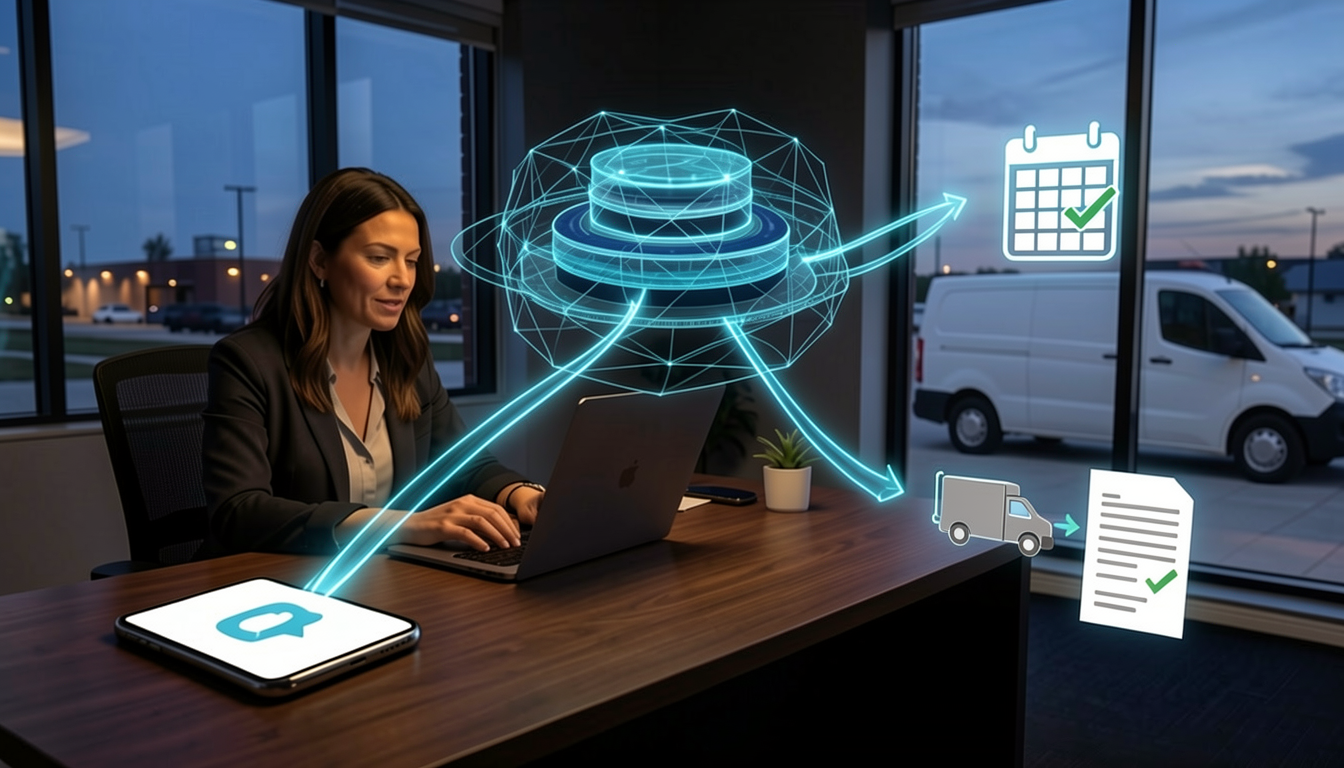
Stop Calling It a Chatbot: What AI Agents Actually Do for a Service Business in 2026
AI agents aren't chatbots. They're trigger-based workflow orchestrators that wake up when something happens in your business and complete a narrow operational job. See real examples for law firms, con... ...more
AI ,Business Technology &Managed Services
July 21, 2026•4 min read

The Fake AI App That Could Destroy Your Business
Fake AI tools disguised as ChatGPT and Claude surged 5x in 2026. One employee download can shut down your job site. Here's how Fort Worth contractors and SMBs protect themselves. ...more
Cybersecurity ,AI &Protect Your Business
June 29, 2026•4 min read
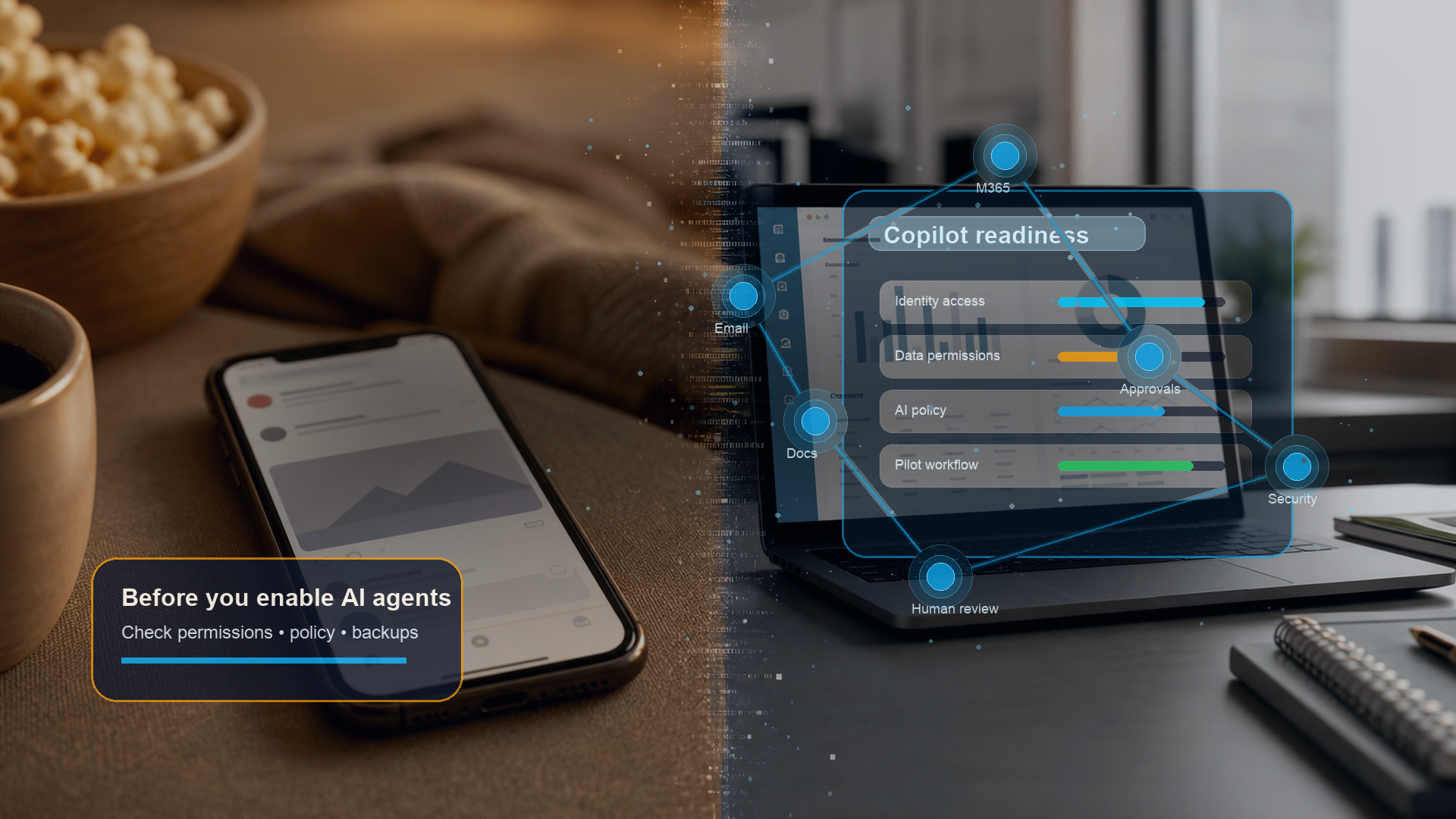
Microsoft Just Made Copilot More Powerful. Is Your Business Ready?
Microsoft Copilot Cowork brings agentic AI to Microsoft 365. Fort Worth SMBs should check access, policies, and review steps before buying more licenses. ...more
AI ,Business Technology Microsoft 365 productivity &Microsoft 365 tools for business
June 24, 2026•4 min read
Frequently Asked Questions
What are the benefits of cybersecurity services?
Cybersecurity services offer numerous advantages for businesses. They protect your sensitive data from unauthorized access, safeguard your systems from cyber threats, ensure compliance with industry regulations, and enhance the overall resilience of your IT infrastructure.
What are managed IT service providers?
Managed IT service providers handle your IT needs, allowing you to focus on your core business operations. They provide proactive IT support, network monitoring, data backup, cybersecurity, and other essential services to ensure the smooth functioning of your IT environment.
What are IT security services?
IT security services encompass measures and practices to protect your systems, networks, and data from potential threats. These services include but are not limited to network security, data encryption, access controls, vulnerability assessments, penetration testing, and incident response.
What makes our IT Support different from other MSPs?
At Inman Technologies, we stand out as a premier outsourced IT support provider in Fort Worth through our unique approach to technology services. Unlike other providers, we don't believe in one-size-fits-all solutions or long-term contracts that lock you in. Instead, we offer:
✔️ Flexible Service Model
✔️ Comprehensive Support
✔️ Innovation Focus - AI-powered solutions
✔️ Local Expertise
Whether you're a small tax office or a growing enterprise, our outsourced IT support services provide the flexibility, expertise, and personal attention your business needs to thrive in today's digital landscape.
📅 Schedule an Appointment With Us to learn more about our unique approach to IT support.
Let's Build A Better Network Together
Reliable technology starts with reliable infrastructure. As your IT company, we help businesses across Dallas Fort Worth create organized structured cabling that supports daily operations and prepares the network for future growth. Whether you are moving into a new office, renovating your space, or replacing aging infrastructure, we are ready to help you plan the right solution.
If you are looking for structured cabling backed by practical IT consulting and dependable IT services, contact us today. We will assess your current environment, explain your options clearly, and build a cabling system that supports your business now and as your technology continues to evolve.
© Copyright 2026 Inman Technologies. Built in partnership with Tech Pro Marketing. | Privacy Policy | SMS Opt-In


